

September 2026 Updates.
September 2026
File uploads to Locations, Assets & Companies.
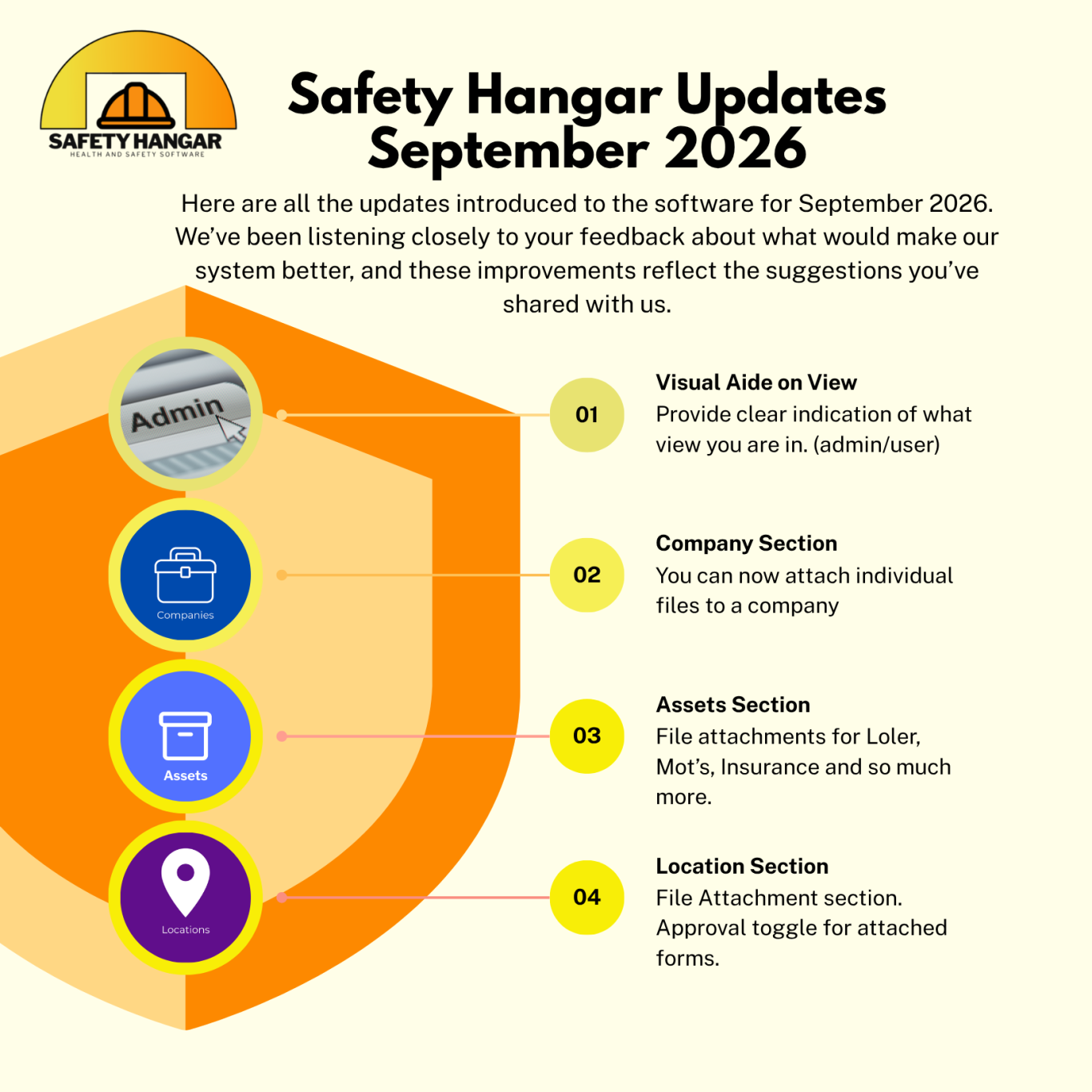
1. Company Section – Individual File Attachments
You can now attach individual files directly to a company profile. This includes documents such as Loler certificates, MOTs, insurance documents, and more. You can also set visibility at upload time:
Public
Private
Admins & assignees only
2. Assets Section – Documentation Uploads for Each Asset
You can upload files directly to an asset’s profile, creating a centralised, traceable history for each piece of equipment. Examples include:
Maintenance records
Inspection reports
Manuals
Calibration certificates
Safety checks
This mirrors the Company section’s upload system and supports audits, compliance, and maintenance planning.
3. Location Section – File & Form Attachments
Staff can now start forms themselves, and you can attach files directly within the Location section. You can also toggle whether approval is required for any attached form. Uploaded files may include:
Safety reports
Maps
Permits
Location‑specific records. We have made it easier with uploading files directly within the Location section
What This Means Overall
Across Companies, Assets, and Locations, Safety Hangar now supports:
Direct file uploads in all major sections
Visibility controls (public/private/admin-only)
Darren. 08/09/2026
October Updates.
October 2025
Filter Locations
You know have the ability to filter through all locations under the locations tab. This helps you search and find a location quickly if you have many listed.
Reporting
Safety hangar know has the ability to generate reports within the FORMS tab. Any form that you create can know have a report generated which you can export via file to use and inspect further.
You can filter these reports by status, date range and by each section you have in your form.
Darren. 28/10/2025

Further Updates in July.
July 2025 - 2nd Software update.
Help articles on toolbox talks
Our partner Tensh have provided informational help on toolbox talks to help walk you through each section of the toolbox talks.
Help Articles also on shared fields across all documents
Our partner Tensh have provided informational help on shared fields in documents to help walk you through each section.
Darren. 18/07/2025

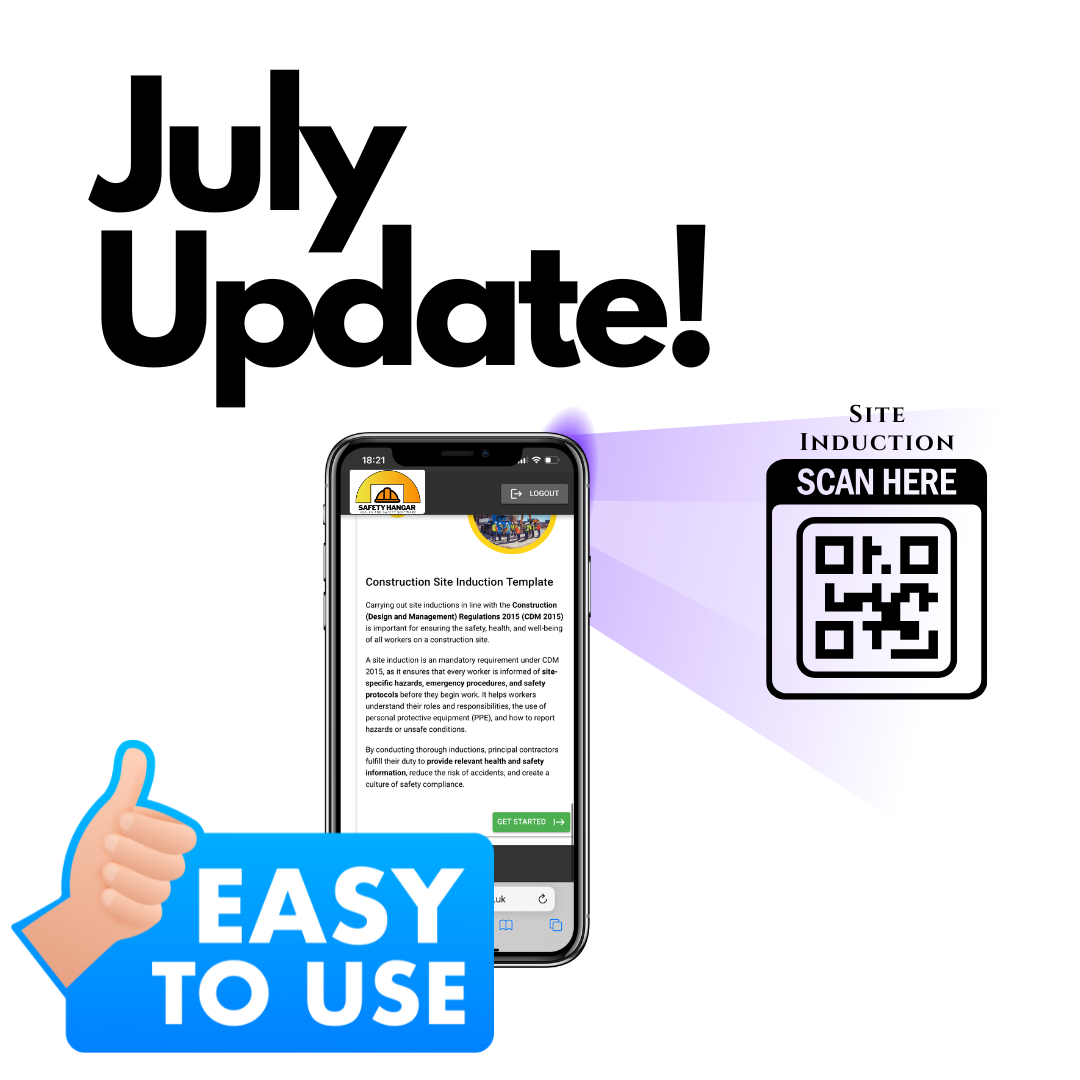
QR Codes for Site Induction on manned and unmanned sites.
July 2025 - Software update.
If you have multiple trades and multiple sites, then our easy to use induction allows QR codes to be scanned and inductions to be undertaken. Once completed you can assign documents and tasks without having to double up on the admin. Also safe in the knowledge Sub contractors and visitors are inducted into your site.
When a form response expires, it will now become "unapproved" allowing users to update the question and resubmit for approval.
Tweak to the risk ranking key table to better reflect the colours used on the documents.
Updating a document will now clear all existing signatures from the documents, where you can re submit to be signed against the update.
The revision history will retain the signatures and documents contents in a document before an update.
Darren. 08/07/2025
Set up your Sub-contractors.
May 2025 - Software update.
We have now added the ability to add all of your subcontractors/suppliers to the system. This makes it easier to vet and PQQ all of the Companies. Segregating this gives a clear view of all the Companies and any outstanding documents you require from them. The added benefit of approving the company once you have received the required documentation aids compliance.
This section also aids larger sites which are juggling multiple locations, including subcontractors with a large staff size. If someone is on one of your sites, they can now digitally sign the documents/checklists and forms too.
Darren. 02/05/2025
You need a Location Form? Done!
April 2025 - Software update.
Maybe you have a generic Job Sheet or Form you want completing on a Location every day without having to go in and assign it to a user every time?
We have you covered, we have added the ability to have a 'fixed' Form to a Location, which can be filled out to a location without having to assign it to a certain user.
Go to Locations, view the Location in question, in the top right hand corner click 'Attach Form'. Select your chosen Form or Job Sheet and it will now have the ability to be completed when a member of staff/subbie is on site.
Simple information transfer just made easier.
Darren. 01/04/2025

Love is in the Air
February 2025 - Software update.
With Valentines Day around the corner we want to thank everyone for the great support and love we have received.
From our first customers after going live in 2025 it has been brilliant to hear how we have helped everyone streamline their business.
Stay tuned for developments in the software over the next coming months as we continue to support you.
Darren. 10/02/2025

After 2 Years of Testing
We are live!
Jan 2025 - Software update.
Excited to post this as our first update, Stay tuned here for all of the upcoming development changes we will be implementing.
We want to hear from you, if you have an idea's on how we can improve or something you would like to see in our software then please get in contact and let us know. :)
Thank you for all your support.
Darren. 06/01/2025