
Principal Contractor Guide
A Complete Overview of Duties, Legal Responsibilities & How Safety Hangar Simplifies Compliance
1. What Is a Principal Contractor?
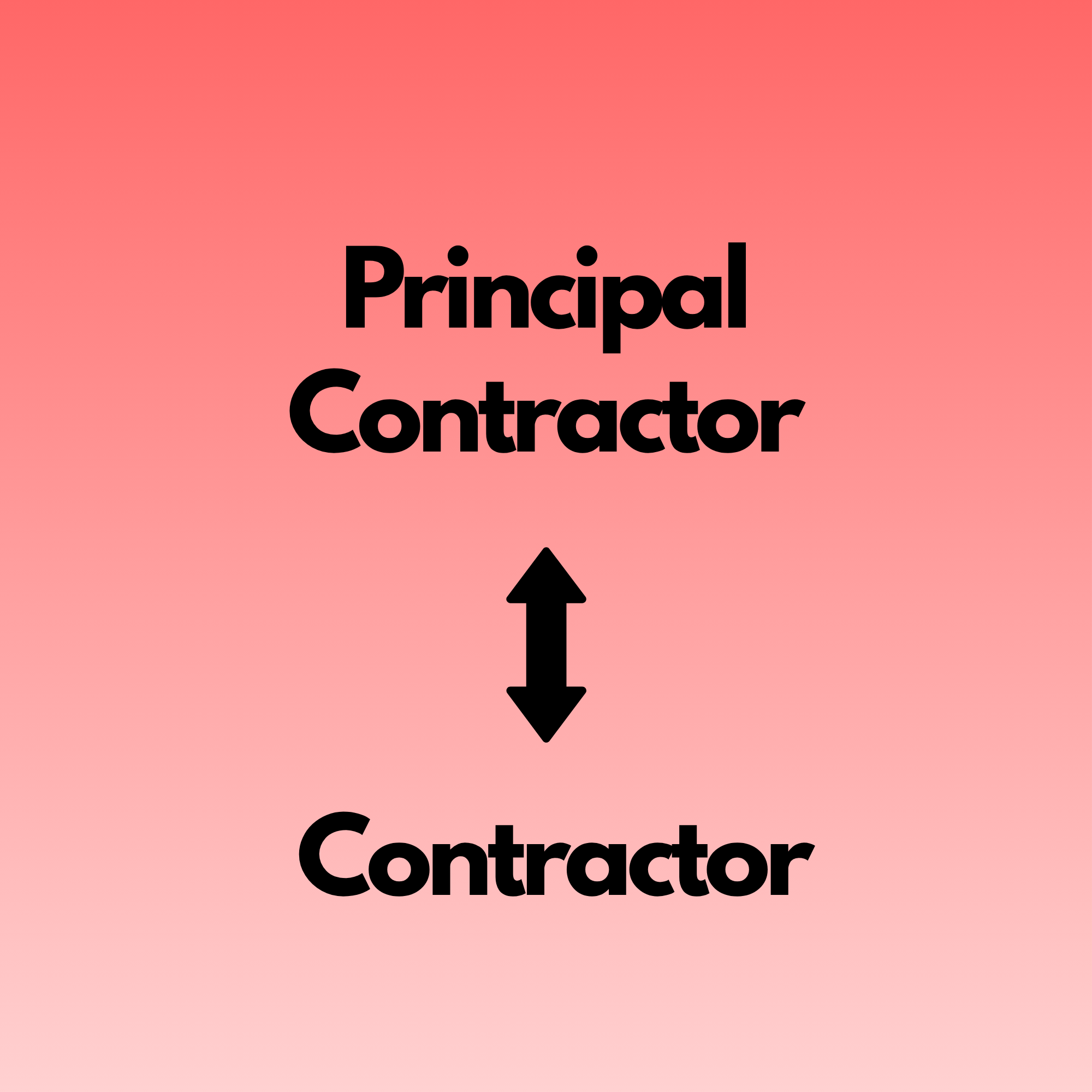
A Principal Contractor (PC) is the organisation appointed by the client to plan, manage, monitor and coordinate the construction phase of a project under the Construction (Design and Management) Regulations 2015 (CDM 2015).
They are responsible for ensuring that work is carried out safely, efficiently, and in compliance with all relevant legislation. The PC oversees all contractors on site and ensures that health, safety, welfare, and fire safety arrangements are robust and actively managed.
In short: The Principal Contractor is the central figure controlling safety, coordination, and compliance during construction.

2. Core Legal Duties of a Principal Contractor
Below is a clear breakdown of the PC’s obligations under CDM 2015 — written in a way that aligns perfectly with how Safety Hangar supports each requirement.
2.1 Planning, Managing & Monitoring the Construction Phase
The PC must ensure the project is planned and managed so that work can be carried out without risks to health and safety.
How Safety Hangar helps:
- Construction Phase Plans stored, updated and shared digitally
- Live dashboards showing RAMS status, inductions, permits, and site documentation
- Automated reminders for overdue actions or missing safety documents
2.2 Preparing the Construction Phase Plan (CPP)
Before work begins, the PC must produce a Construction Phase Plan detailing site rules, arrangements, risks, and controls.
Safety Hangar advantage:
- CPP templates built into the system
- Version control and digital distribution
- QR‑code access for workers and subcontractors
2.3 Managing Site Inductions
Every worker must receive a site‑specific induction before starting work.
Safety Hangar advantage:
- Digital inductions completed via mobile
- Automatic record keeping
- QR‑code check‑in for proof of completion
- Induction content stored centrally for consistency
2.4 Ensuring Suitable Welfare Facilities
The PC must ensure welfare facilities (toilets, washing, rest areas, drinking water) are provided and maintained.
Safety Hangar advantage:
- Welfare inspection checklists
- Scheduled audits with photo evidence
- Automated reporting of defects or issues
2.5 Coordinating Contractors & Subcontractors
The PC must ensure all contractors cooperate, follow site rules, and work safely.
Safety Hangar advantage:
- Contractor management dashboard
- RAMS submission and approval workflow
- Competency checks stored and tracked
- Live visibility of who is inducted, approved, and authorised
2.6 Managing Risk Assessments & Method Statements (RAMS)
The PC must ensure RAMS are suitable, sufficient, and communicated to workers.
Safety Hangar advantage:
- RAMS creation, upload, approval and distribution
- Workers can access RAMS via QR codes on site
- Expiry tracking and automatic renewal reminders
2.7 Monitoring Site Safety & Conducting Inspections
Regular inspections must be carried out to ensure safe working conditions.
Safety Hangar advantage:
- Digital H&S and Fire Safety audit templates
- Instant reporting with photos and corrective actions
- Trend analysis to identify recurring issues
2.8 Managing the “Golden Thread” of Information
The PC must maintain accurate, accessible safety information throughout the project.
Safety Hangar advantage:
- Centralised document storage
- Automatic version control
- Full audit trail of changes, approvals, and access
- Golden Thread compliance built into every module
2.9 Communicating with the Client & Principal Designer
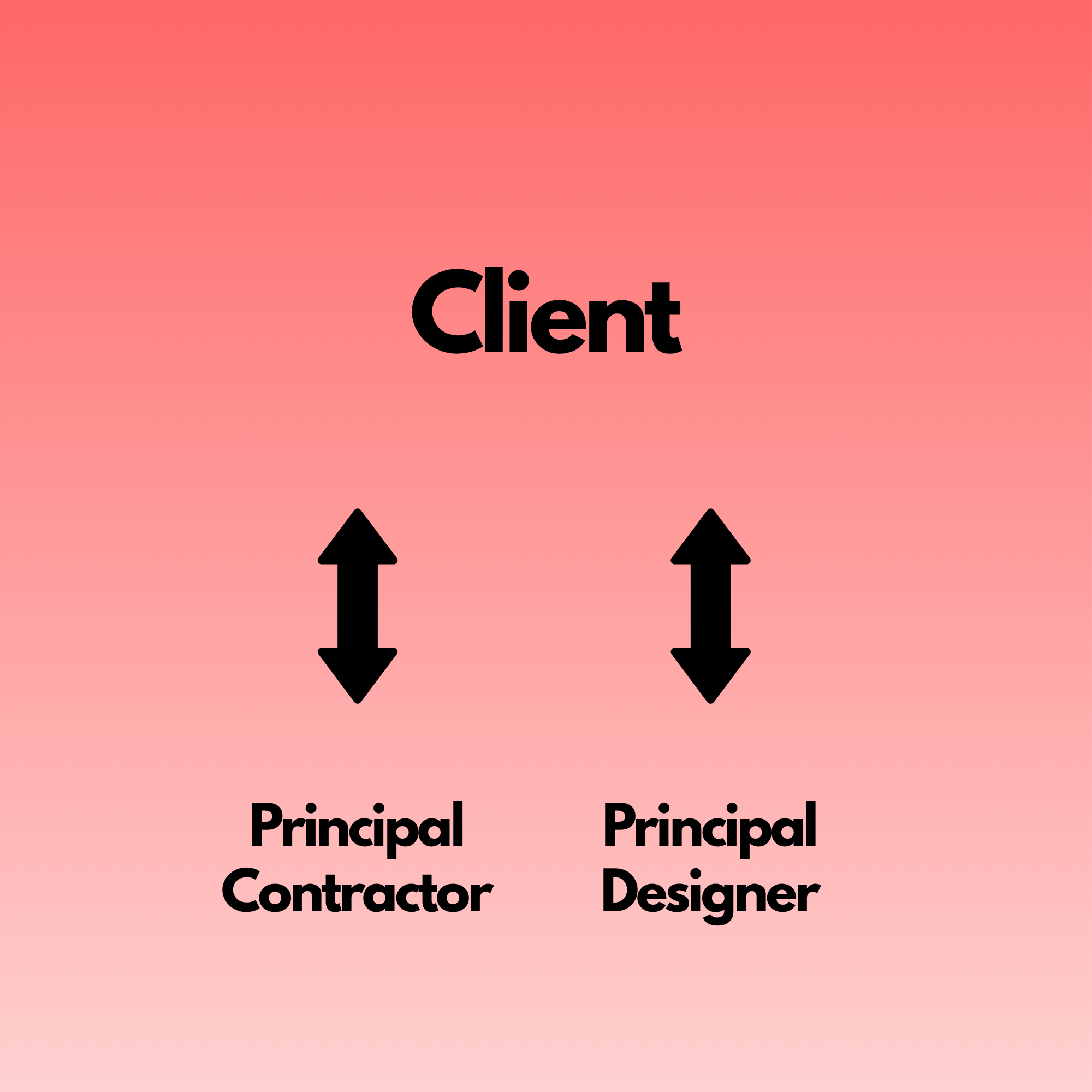
The PC must keep the client and Principal Designer informed of safety arrangements, risks, and progress.
Safety Hangar advantage:
- Make different responsible persons a user of your software, allowing them to add & share information on an individual project only.
- Exportable reports
- Download a full site package.
2.10 Ensuring Fire Safety Arrangements Are in Place
The PC must ensure fire risks are assessed and controlled.
Safety Hangar advantage:
- Fire risk assessment templates
- Hot works permit system
- Fire point inspections
- Emergency plan storage and distribution
3. How Safety Hangar Supports Principal Contractors End‑to‑End
Safety Hangar is built specifically to make Principal Contractor duties simple, trackable, and compliant. Here’s how each module aligns with PC responsibilities:
3.1 Site Management Dashboard
A single screen showing:
- Inductions completed
- RAMS status
- Permits issued
- Audits due
- Outstanding actions
- Contractor compliance
- This gives the PC complete control over site safety in real time.
3.2 Digital Inductions & QR‑Code Access
Workers complete inductions on their phone, and the PC gets instant proof of completion.
3.3 RAMS & Document Control
Upload, approve, distribute and track RAMS with full version control.
3.4 Permits to Work
Manage hot works, working at height, lifting operations and more — all digitally.
3.5 Audits & Inspections
Conduct H&S and Fire audits using mobile devices, with instant reporting and corrective actions.
3.6 Contractor Competency Management
Store training records, insurance documents, accreditations and approvals.
3.7 Golden Thread Compliance
Every document, action, approval and change is logged automatically.
3.8 Reporting & Evidence
Generate professional reports for clients, insurers, and regulators with one click.
4. Why Principal Contractors Choose Safety Hangar
- Reduces admin by up to 70%
- Provides real‑time compliance visibility
- Ensures CDM 2015 obligations are met
- Creates a professional, consistent safety standard across all projects
- Makes audits, inspections and reporting effortless
- Strengthens client confidence and reduces risk
5. Summary
A Principal Contractor carries significant legal responsibility — but with the right tools, managing those duties becomes clear, structured, and efficient.
Safety Hangar gives Principal Contractors everything they need to plan, manage, monitor and control safety across every project.